ChronosLink
AI-Powered Smart Scheduler Assistant
Manage your schedule through natural language conversations with voice chat capabilities for a more interactive experience.
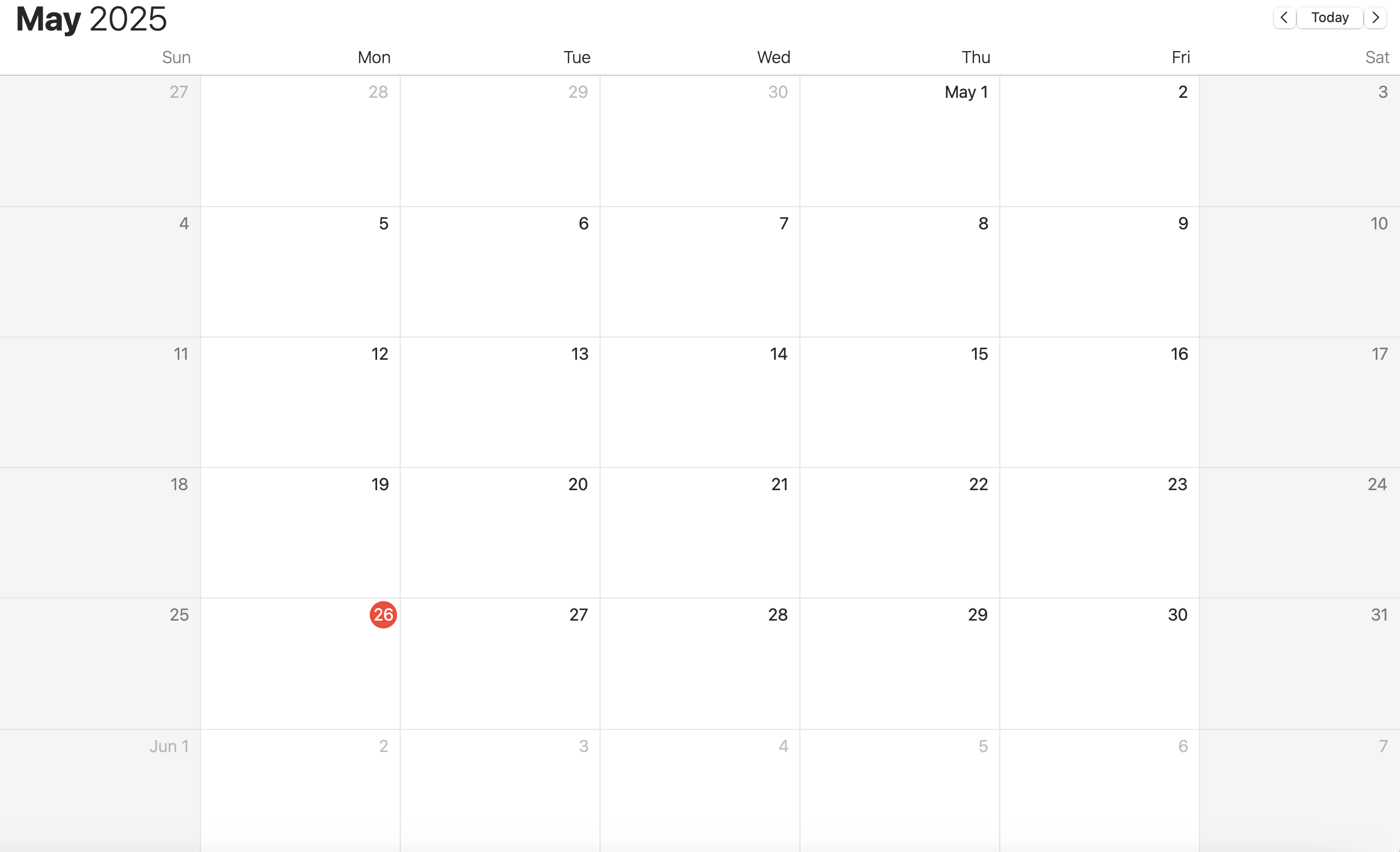
Manage your schedule through natural language conversations with voice chat capabilities for a more interactive experience.
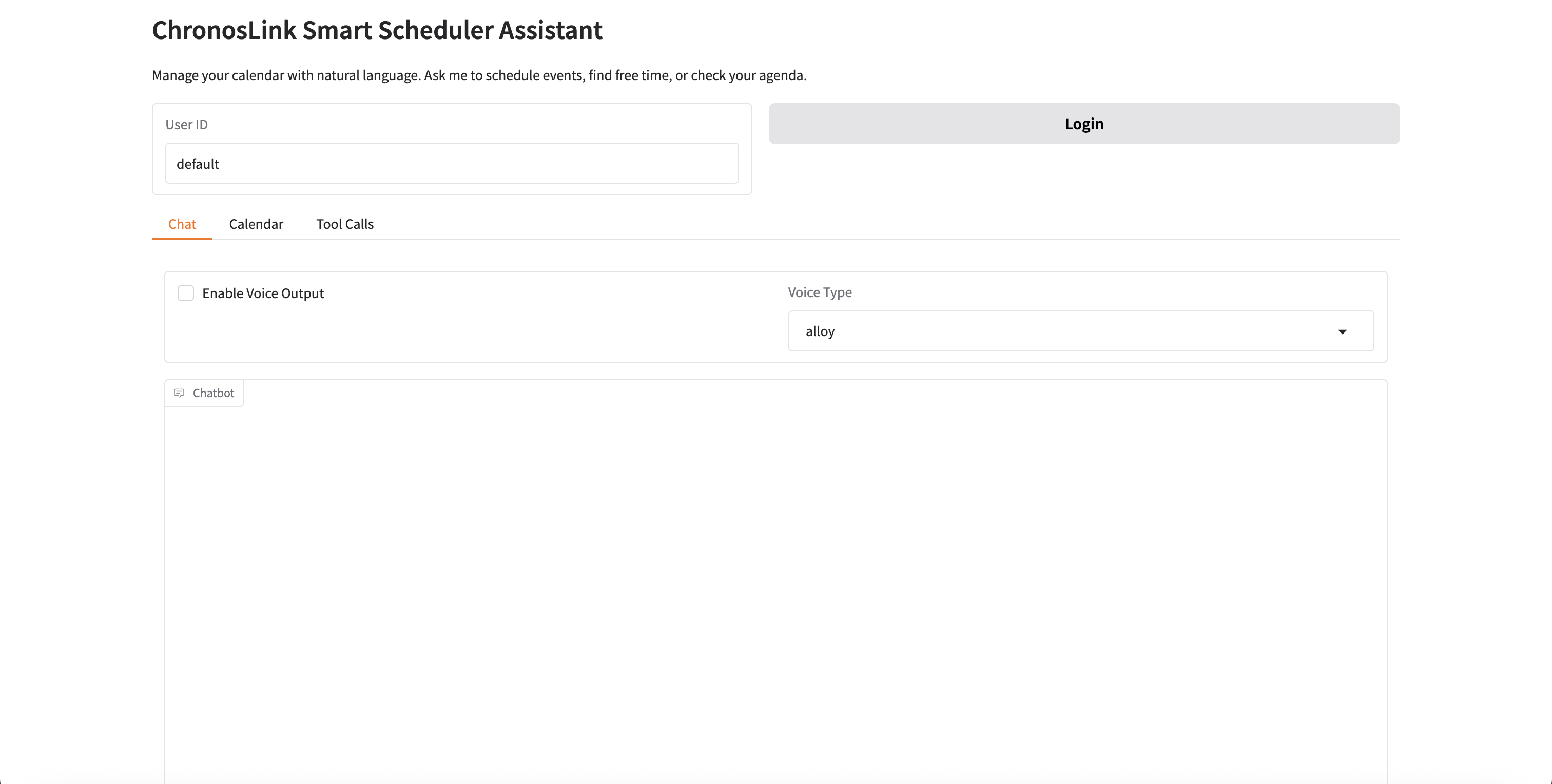
Create, update, and delete calendar events using natural language
Find available time slots for meetings and appointments
View daily, weekly, or monthly schedules
Support for multiple users with separate calendars
Voice chat capabilities (speech-to-text and text-to-speech)
Persistent conversation history using LangGraph's MemorySaver
git clone https://github.com/XiaochuanQian/ChronosLink.git
pip install zmail caldav gradio langchain langgraph langchain-openai openai azure-cognitiveservices-speech pydantic
Create a config.json file with necessary API keys
python main.py
Record your voice message using the microphone input
Enable voice output to hear the assistant's responses
ChronosLink supports multiple users with separate calendars: